
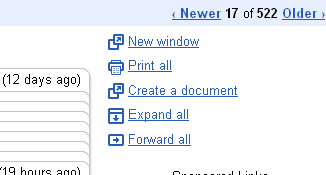
Over on the Gmail Blog, they announced the release of something new in their labs. You can now convert your Gmail into a Google Docs in 1 click!
Here’s how to activate it.
1. Login to your Gmail (on the web silly!)
2. On the top right, click on settings. You will see a few tabs.
3. Click on Labs.
4. Scroll down till you find an item like this. Enable it and save (at the bottom of the page)

Done! The next time you view a message you can convert it into Google Docs in 1 click!
More about this at the Gmail Blog.
why I’ll send email and I get respond the email you send error.
I didn’t get your question Dorlan?
it does work for google apps but it does not upload embebed images